From the part, not a box around it
Each link’s mass, centre of mass and inertia come from its exact shape and its part’s material: steel, aluminium 6061, PLA, nylon and more, or a density you type in.
Robot export
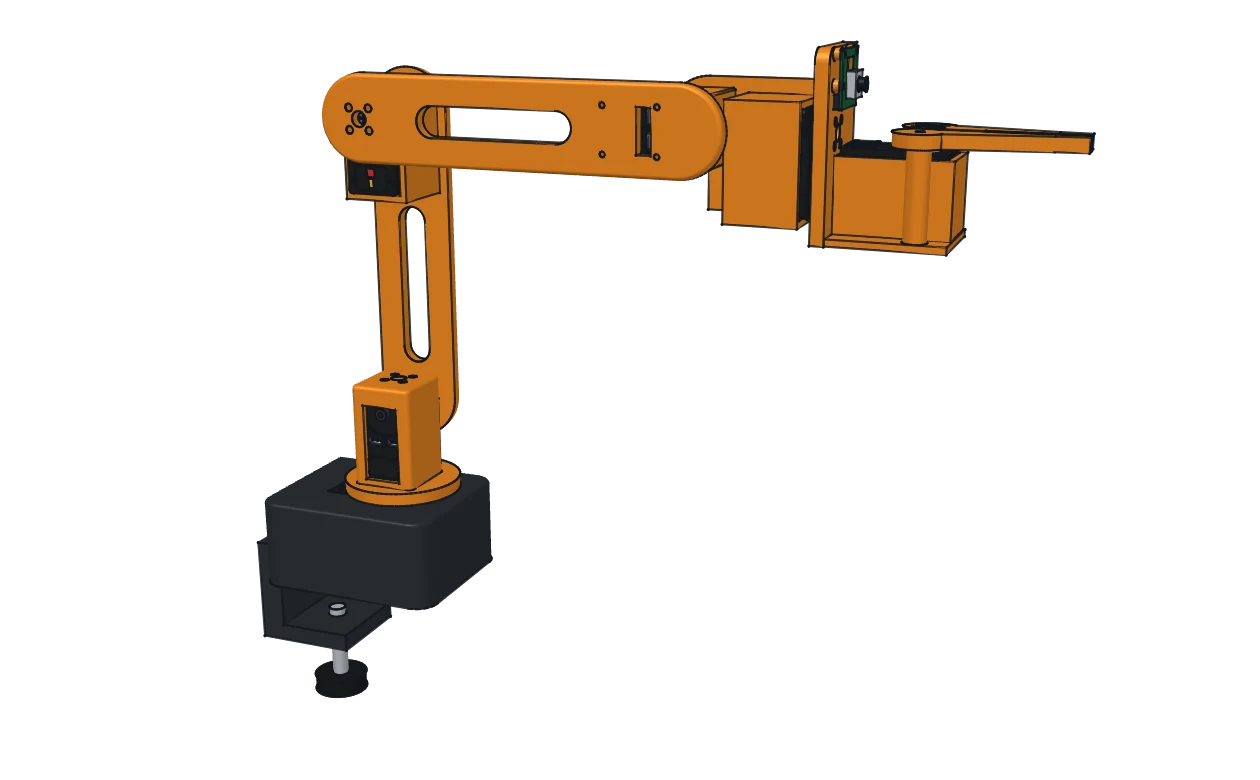
Model the robot as parts and joints, the way you would anyway. ProtoJoint writes the robot description from that: links from the parts, joints from the assembly joints, inertia from the exact solids. Drag the joints to check it, then export URDF, MJCF, SDF and a ROS 2 package that opens in RViz.
ANothing drawn twice
The export reads the assembly you already built: its parts, their placement, the joints between them and the material of each part. Open it with URDF in the editor’s header, or with Export Robot in a part’s right-click menu.
| In ProtoJoint | URDF | MJCF | SDF |
|---|---|---|---|
| A part (component) | <link> | <body> | <link> |
| Rigid joint | fixed | the child body, nested with no joint | fixed |
| Revolute joint with limits | revolute | hinge with a range | revolute |
| Revolute joint without limits | continuous | hinge | continuous |
| Slider joint | prismatic | slide | prismatic |
| Ball joint | fixed, with a warning | ball | ball |
| Cylindrical, pin-slot, planar joint | fixed, with a warning | slide and hinge joints in one body | fixed, with a warning |
| Motion link (gears, rack, screw) | <mimic> | <equality> | none: SDF 1.9 has no mimic (a warning) |
| Mass, centre of mass, inertia | <inertial> | <inertial> | <inertial> |
The root link is the part you pinned to the world, or one you pick in the export panel. A part nested in another and moved by no joint of its own rides in its parent’s link. A joint a format cannot express is written as fixed where it stands, with a warning that says what to use instead.
BPhysics you can trust
Each link’s mass, centre of mass and inertia come from its exact shape and its part’s material: steel, aluminium 6061, PLA, nylon and more, or a density you type in.
The joints must form a tree, every link needs an inertia a real object could have, and a limit needs both its ends. A part with no material is written with a warning that says so.
Select a joint and drag its handle, or type a value. Limits stop it where the real joint stops, and motion links turn geared joints together and are exported as mimic joints.
One zip named after the package, with each link’s meshes and a README. The ROS 2 package opens in RViz with one launch command, and the MuJoCo and Gazebo files come with a scene to drop the robot into.
CWho it is for
ROS 2 developers
ROS 2’s Tier 1 platforms are Ubuntu 24.04 and Windows 101. ProtoJoint runs in the browser you already have open next to your terminal.
LeRobot and low-cost arms
The SO-101’s official robot files were generated from a model in another program. In ProtoJoint you change a part, a gripper finger say, and write URDF and MJCF again from your own copy of the model.
→Your robot
Import its assembly, a .sldasm or a STEP file split into one component per link. Add the joints, pin the base and export.